Calm, cool,
and mostly caffeinated.

I'm Chan. I work in IT and security, and I build web tools that make the details easier to understand.

Explore the work

A few things I've made.

Open a project, or try a small example here.

trace.page

Make sense of the evidence inside an email.

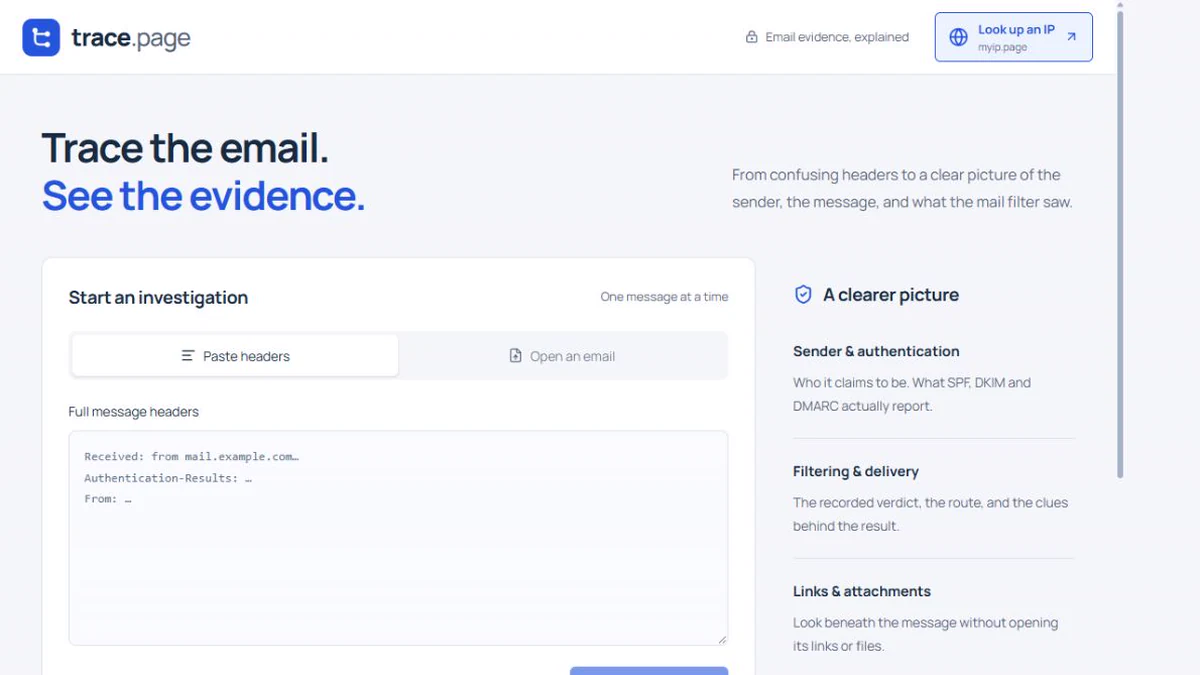
trace.page brings the sender, delivery route, and authentication results into view so you can see what the message tells you.

Visit trace.page (opens in a new tab)Email investigation
trace.pagePreview
trace.page with a space to paste email headers and start an investigation.
A look inside trace.page.

Follow the message

A fictional email, with a few clues unfolded.

Example
From
hello@studio.example
Route
studio.example → relay.example → inbox.example
Authentication
DKIM pass, as reported by the receiver

Authentication is one clue. It does not establish whether the message is safe.
myip.page

Get to know the connection you're using.

See your public IP, connection details, and what your browser can reveal in one place.

Visit myip.page (opens in a new tab)Connection details
myip.pagePreview
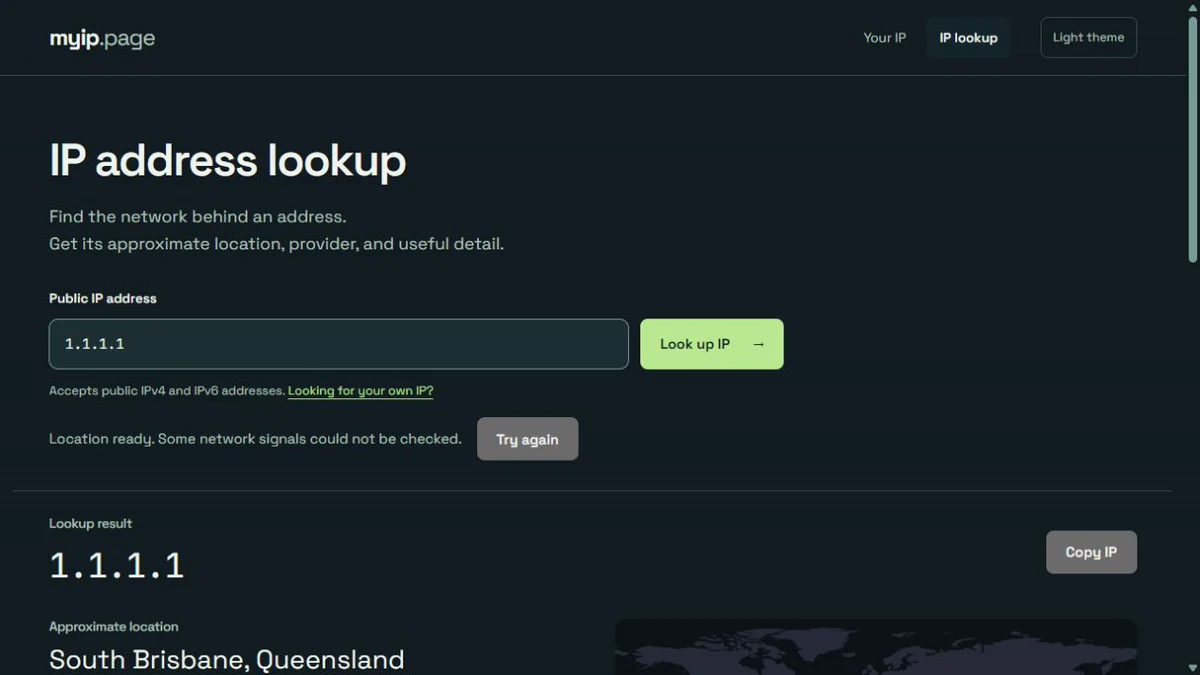
myip.page showing a lookup for 1.1.1.1, an approximate location, and a notice that some network checks are unavailable.
A public lookup of 1.1.1.1.

Beneath the address

Example data. This page does not look up your IP.

Example
Example IP203.0.113.42
Address type
IPv4
Network
Example network
Location
Example location

M365 Grid

Find the plan with the features you need.

Compare Microsoft 365 plans side by side and look for the features that matter to your setup.

Visit M365 Grid (opens in a new tab)Microsoft 365 comparison
m365grid.comPreview
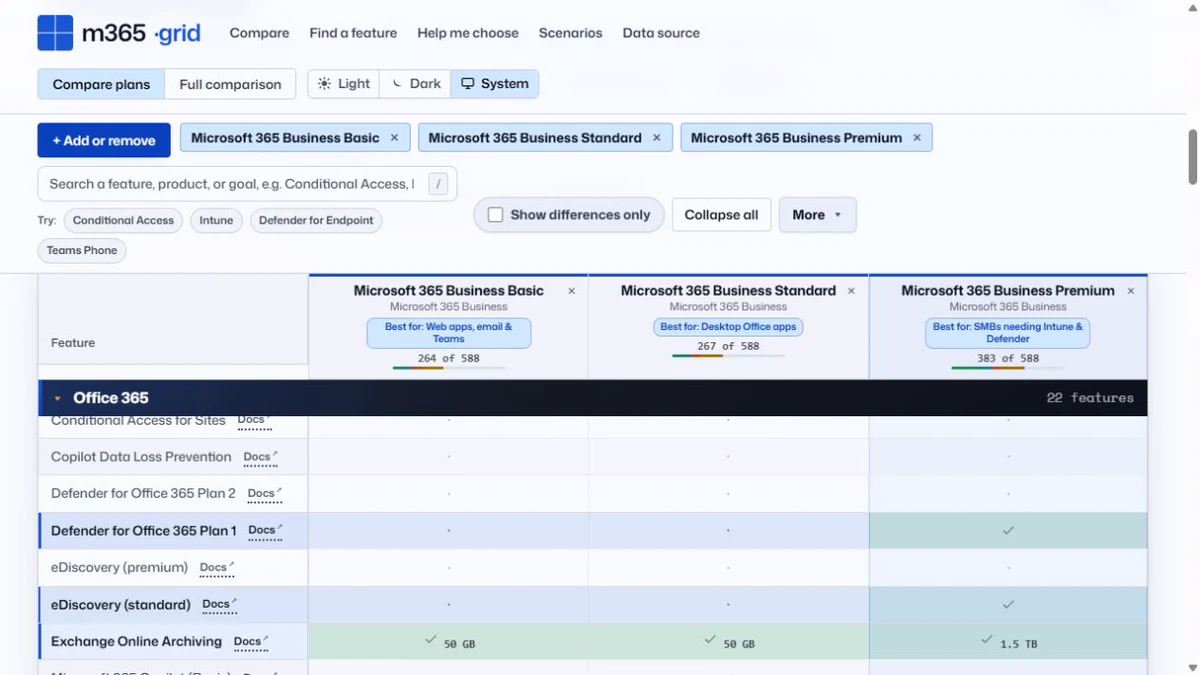
M365 Grid comparing Microsoft 365 Business Basic, Standard, and Premium plans.
A look inside M365 Grid. Data from M365 Maps by Aaron Dinnage (opens in a new tab).

Line up the differences

Illustrative plans. These are not Microsoft licensing details.

Example
Example plan comparison
Example featurePlan APlan B
Feature oneIncludedIncluded
Feature twoNot includedIncluded
Feature threeIncludedIncluded

Uptime Garden

A little garden for the state of your services.

A pixel garden that changes with providers' reported service status. Check the garden, then read the details behind it.

Visit Uptime Garden (opens in a new tab)Service status
Uptime GardenPreview
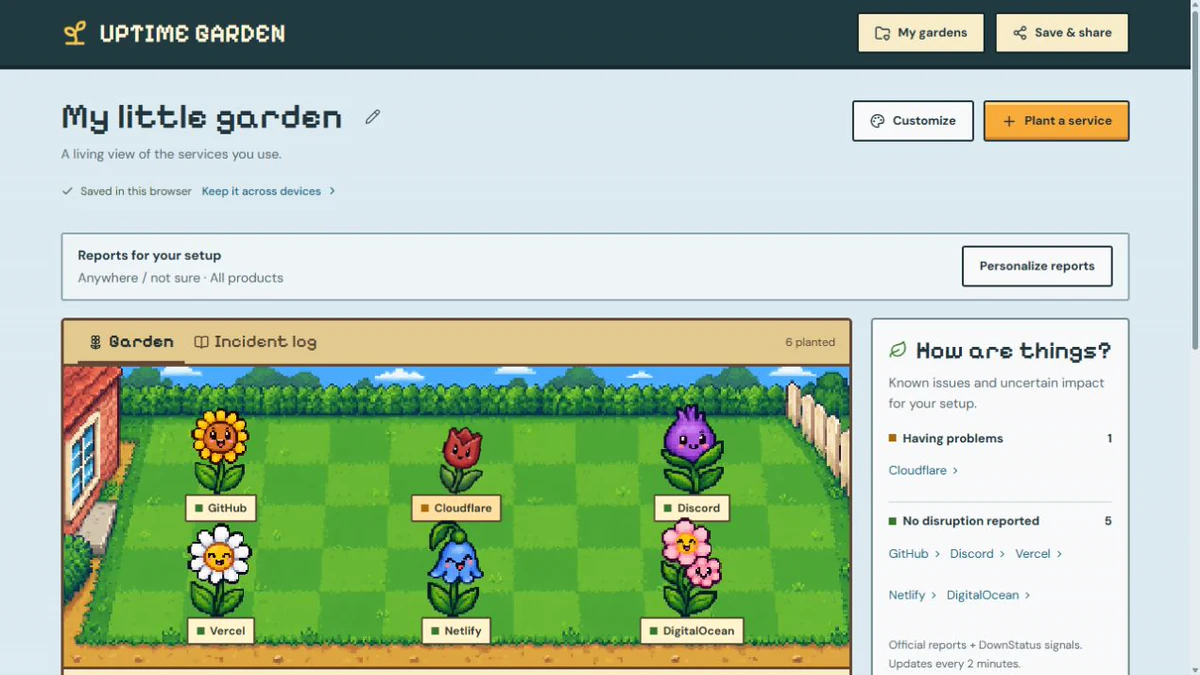
Uptime Garden's pixel landscape and provider status list.
A captured view of the garden, not current service status.

A change in the weather

Example states. Open Uptime Garden for providers' reported status.

Example

Example: normal service

Clear skies for this example service.

nosy.page

See what this page can access.

Understand the camera, microphone, location, and notification permissions your browser reports for nosy.page. Try optional tests, or follow a guide to change what you allow.

Visit nosy.page (opens in a new tab)Browser permissions
nosy.pagePreview
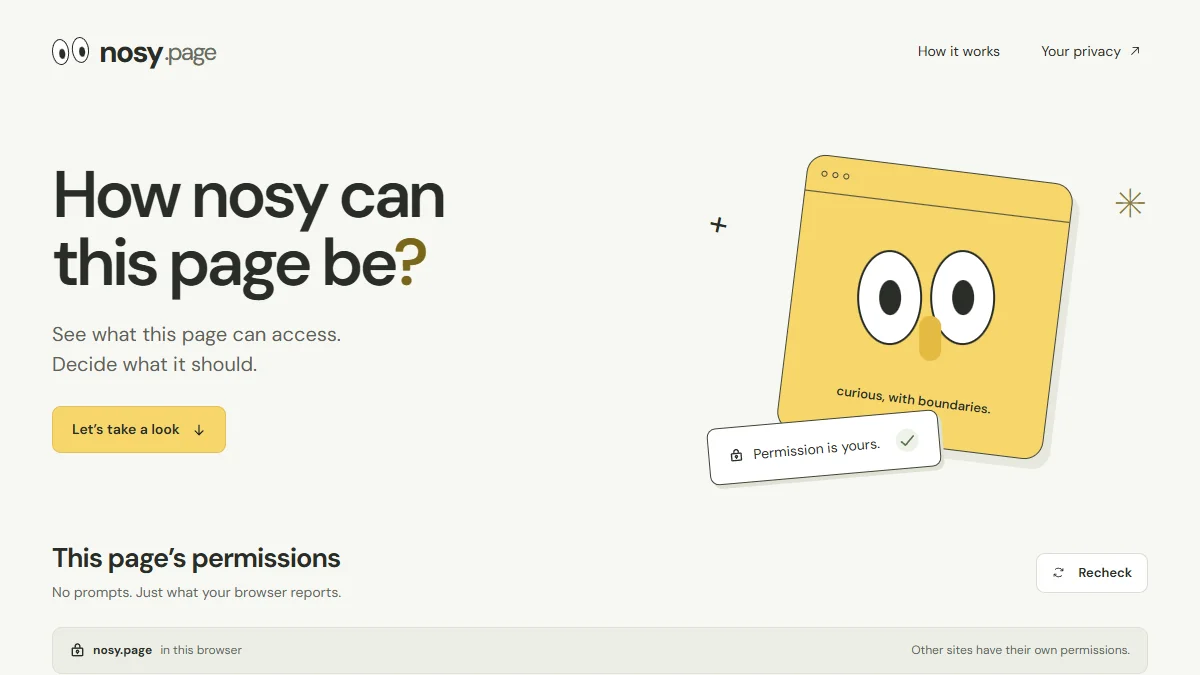
nosy.page with a yellow browser character, the question How nosy can this page be?, and its permission-check section.
A look inside nosy.page. Checks apply to that site in your browser.

Allowed doesn't mean in use

Example only. This portfolio does not check or request permissions.

Example
Example camera permissionAllowed
Permission
This example site may use the camera.
Activity
Permission alone doesn't tell you whether the camera is running.

Each website has its own permissions. Nosy explains the ones reported for nosy.page and helps you find your browser's controls.

shorty.page

Long links, made short.

Paste a long URL and get a link you can share, without an account or click tracking. Choose a custom ending, set an expiry, or download a QR code.

Visit shorty.page (opens in a new tab)URL shortener
shorty.pagePreview
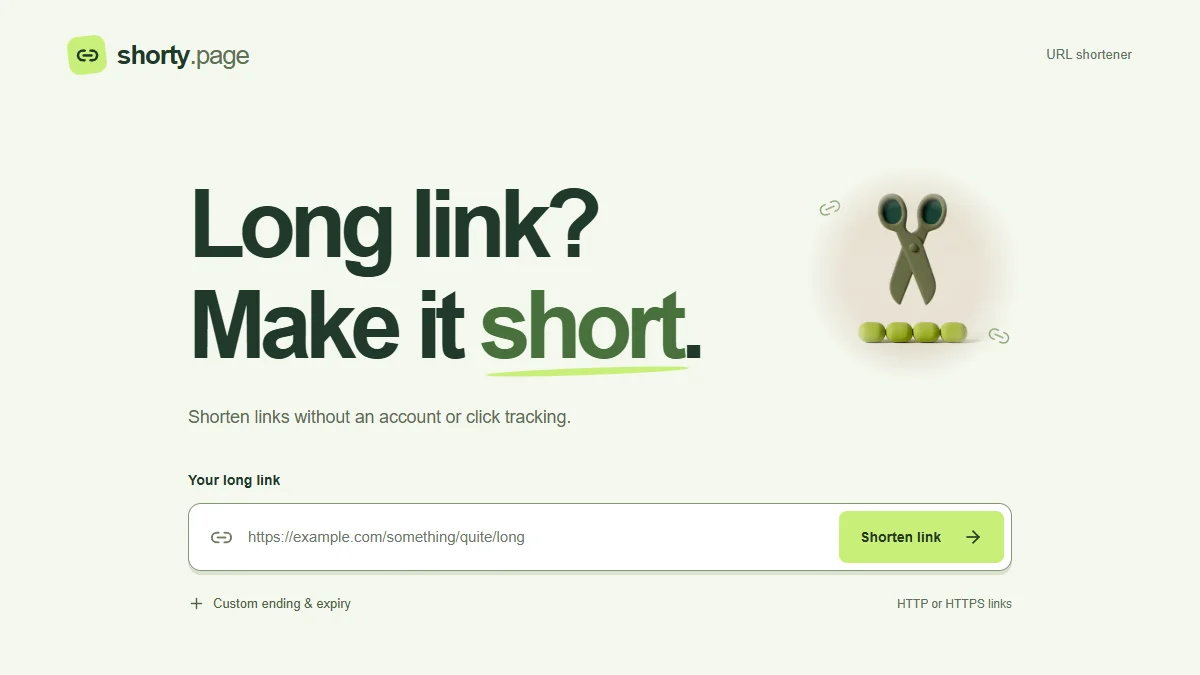
shorty.page with the heading Long link? Make it short., a scissors illustration, and a field to paste a long URL.
A look inside shorty.page.

Less link to share

Example only. This does not create a working short link.

Example
Short link
shorty.page/example
Destination
The same long URL, behind a shorter link.

Shorty's destination preview lets you check where a link leads before visiting.

BackOnMSN

It's 2007. Someone's still online.

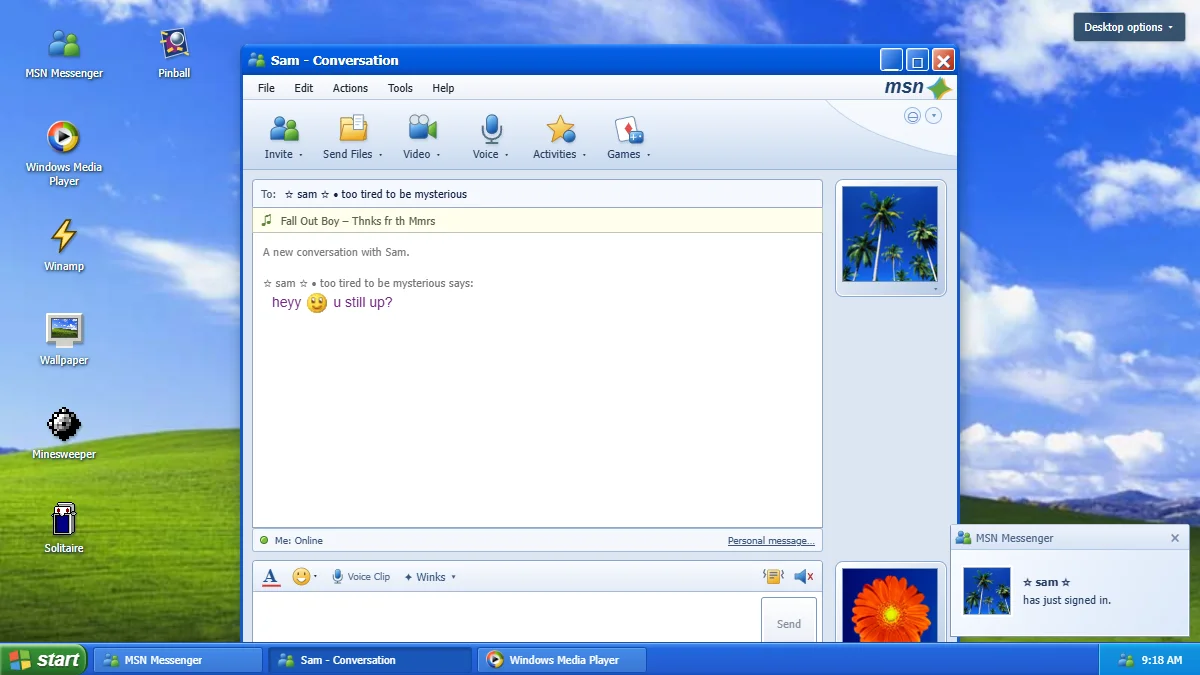
An MSN-style chat with Sam, a fictional AI friend, on a Windows XP-style desktop. Send a nudge, change your display picture, or take a break with Minesweeper, Solitaire, and Space Cadet Pinball.

Visit BackOnMSN (opens in a new tab)MSN nostalgia & classic games
backonmsn.comPreview
BackOnMSN's Windows XP-style desktop with Sam's MSN conversation, classic game shortcuts, and a sign-in notification.
A look inside BackOnMSN. Sam is a fictional AI character.

Remember the nudge?

A scripted sample. Open BackOnMSN to chat.

Example
Sam - Conversation

Sam says:heyy, u still up?

You have just sent a nudge.

Sam says:okay okay i'm here :P

The person
behind the tabs.

I'm a security and solutions architect who builds web tools in my own time.

I care about what a tool shows you first, which details need explaining, and how it feels to use. These projects give me room to work on all of that.

Say hello.

Tried a project or have something you'd like to talk about? Send me a note.

chan@chanmakes.com